migrate
Upgrade legacy G4X-data layouts
Migrates legacy G4X-data into the current G4X-data schema used by G4X-helpers and G4X-viewer. The command copies and converts supported raw data and metadata into a new output directory, then optionally runs downstream processing to create single-cell output and a g4x-viewer.zarr compatible with G4X-viewer v4.
Usage
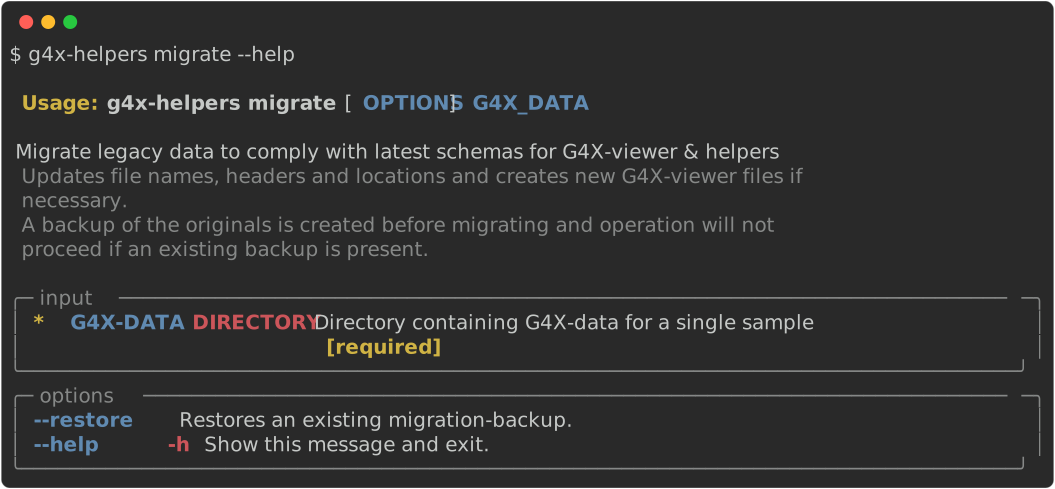
Arguments / Options
G4X-DATA
type : directory
example : path/to/g4x_output
Positional path to a G4X sample output directory.
The folder must follow the expected schema (e.g., contain sample.g4x, segmentation masks, panel files, images).
Provide this argument directly after the specified command, i.e:
g4x-helpers COMMAND G4X-DATA
--out-dir / -o [required]
type : directory
example : path/to/migrated_sample
Output directory for migrated data. The directory must already exist and must not already contain a
sample.g4xfile.
--check / -c
type : flag
default : not set
Check whether the legacy input can be migrated. This reports migration status without copying or converting data.
--roi
type : four integers
example : --roi 0 0 4096 4096
Restrict migration to a rectangular region of interest. Coordinates are provided as
x0 y0 x1 y1in pixel coordinates.
--no-downstream
type : flag
default : not set
Runs only the primary reprocessing step for the command and skips downstream single-cell processing and
g4x-viewer.zarrgeneration.Use this option when you want to inspect intermediate outputs or chain multiple processing steps before regenerating final single-cell and viewer outputs.
Examples
Check whether a legacy output can be migrated:
Migrate a full legacy output and generate downstream outputs:
Migrate only raw data and metadata:
Migrate a region of interest:
g4x-helpers migrate /path/to/legacy_sample \
--out-dir /path/to/migrated_sample \
--roi 0 0 4096 4096
⸻