resegment
Reprocess G4X-data with a new segmentation
Takes new cell-labels from a custom segmentation output and re-assigns transcripts
and protein signals to those cells. The operation recreates single-cell outputs and
initializes a new G4X-viewer zarr store. Does not regenerate metrics.
Usage
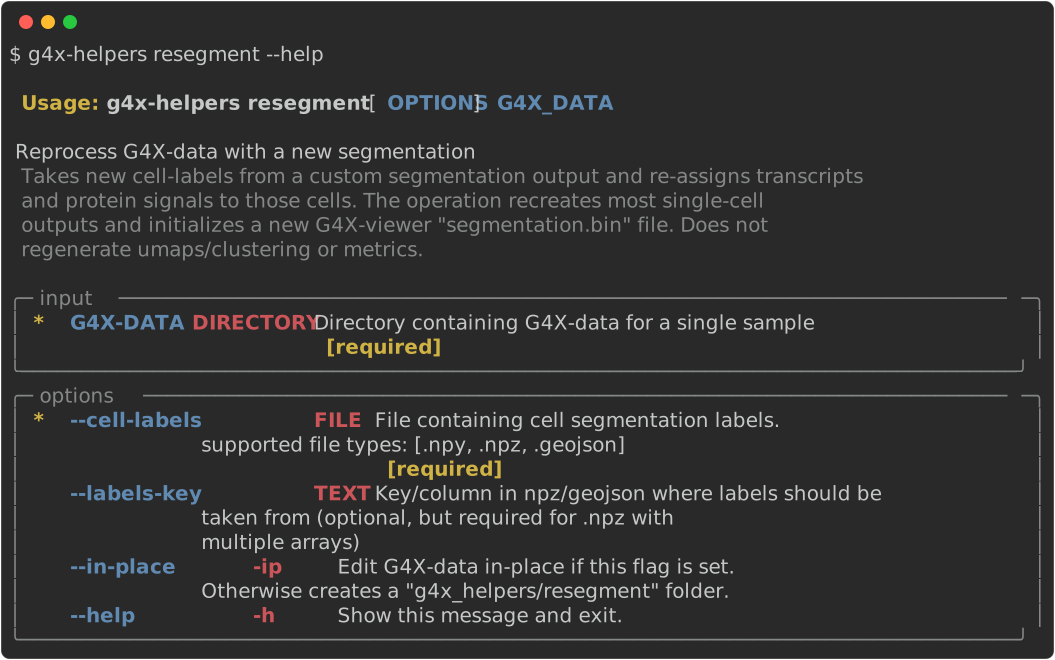
Arguments / Options
G4X-DATA
type : directory
example : path/to/g4x_output
Positional path to a G4X sample output directory.
The folder must follow the expected schema (e.g., contain sample.g4x, segmentation masks, panel files, images).
Provide this argument directly after the specified command, i.e:
g4x-helpers COMMAND G4X-DATA
--cell-labels [required]
type : file path
example : path/to/segmentation.npz
Path to a new segmentation mask file containing cell labels. It will be used to create new single-cell outputs by aggregating transcript and protein data on those labels. The extent of the labels must match the shape of the original data.
Supported formats are:(.npy, .npz, .geojson)
--labels-key
type : string
example : cell_id
Specifies the identifier for segmentation labels when loading mask data:
If using a
.npzfile:
Provide the name of the array within the archive that corresponds to the segmentation mask (required if multiple arrays are stored).If using a
.geojsonfile:
By default, cell labels are expected in a column namedlabel.
Use this argument to override and select a different column as the label source.
--no-downstream
type : flag
default : not set
Runs only the primary reprocessing step for the command and skips downstream single-cell processing and
g4x-viewer.zarrgeneration.Use this option when you want to inspect intermediate outputs or chain multiple processing steps before regenerating final single-cell and viewer outputs.
--branch / -b
type : string
default : command name
Selects the processed-data branch used for command output. By default, some commands i.e
redemuxwrite to a command-specific branch:<G4X-DATA>/g4x-helpers/<command>.Use a custom branch name to write to
<G4X-DATA>/g4x-helpers/<branch>. This is useful when you want to keep multiple alternative outputs, or when you want to chain commands through the same branch.
g4x-helpers redemux G4X-DATA --branch custom_process ...
g4x-helpers resegment G4X-DATA --branch custom_process ...
Set
--branch _src_to write directly into the originalG4X-DATAdirectory.
Warning
--branch _src_ edits the source data in place and may overwrite files produced by the command.
⸻